

How to sign up for Access
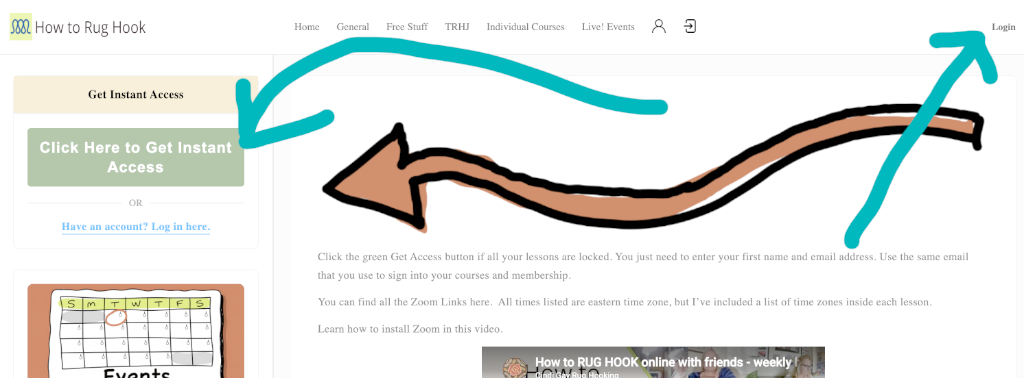
- Log in if you have an account
- If you don’t have an account, one will be created for you. Just click the green Get Access button.
- Enter your first name and email address, press enter.
- Now the lock symbol on the right of the page next to each entry says Start.. You also have an arrow on each menu item.
- Find the day of the week and the time you want to attend. I have the time conversions for the US time zones on each page.
- Click the yellow button to attend.
- If you don’t see the yellow button or the Zoom meeting ID and password, you don’t currently have access to the program. If that is an error, get in touch with me via phone 419-287-3884.
I can accept your phone call up to 15 minutes before the start time. Be sure to check and see if you have access to all the Live! Events you want to attend.
Welcome ,
When and Where
You can find all the Zoom Links here. All times listed are eastern time zone, but I’ve included a list of time zones inside each lesson. Many are free, others may require that you are enrolled in a course or membership.

